My Linux rice.
Ricing out your Linux desktop is a rite of passage.
First you try a distro that fits you, then you trick it out.
Elegance in simplicity
Often in engineering, you will encounter a design that somehow has enhanced functionality by forming a simpler, more correct shape. For example, the Risy rainwater collection filter engineered in Germany, or the 5-way painter’s tool.
This is what I strive to achieve with my designs, including my Linux setup. Folks who prefer Linux usually are getting work done, and I mean beyond the typical ecosystem of WFWS.
Base
- Void Linux
- Xmonad
- Turing complete config written in Haskell, one of the coolest languages of all time.
- In the age of LLMs few could convince me not to use a code-as-config window manager.
- Alacritty
- KISS term. GPU accelerated. Let my WM do the tabs and panes.
- Also got Kitty, which does sixel.
That’s it?
You don’t need a “desktop environment”. You don’t need a GUI login screen. Linux works very well without all these things, and Void lets you install the parts you want piecemeal.
Gruvbox
This entire site is themed to look and feel like my Linux experience. Credit: morhetz/gruvbox.
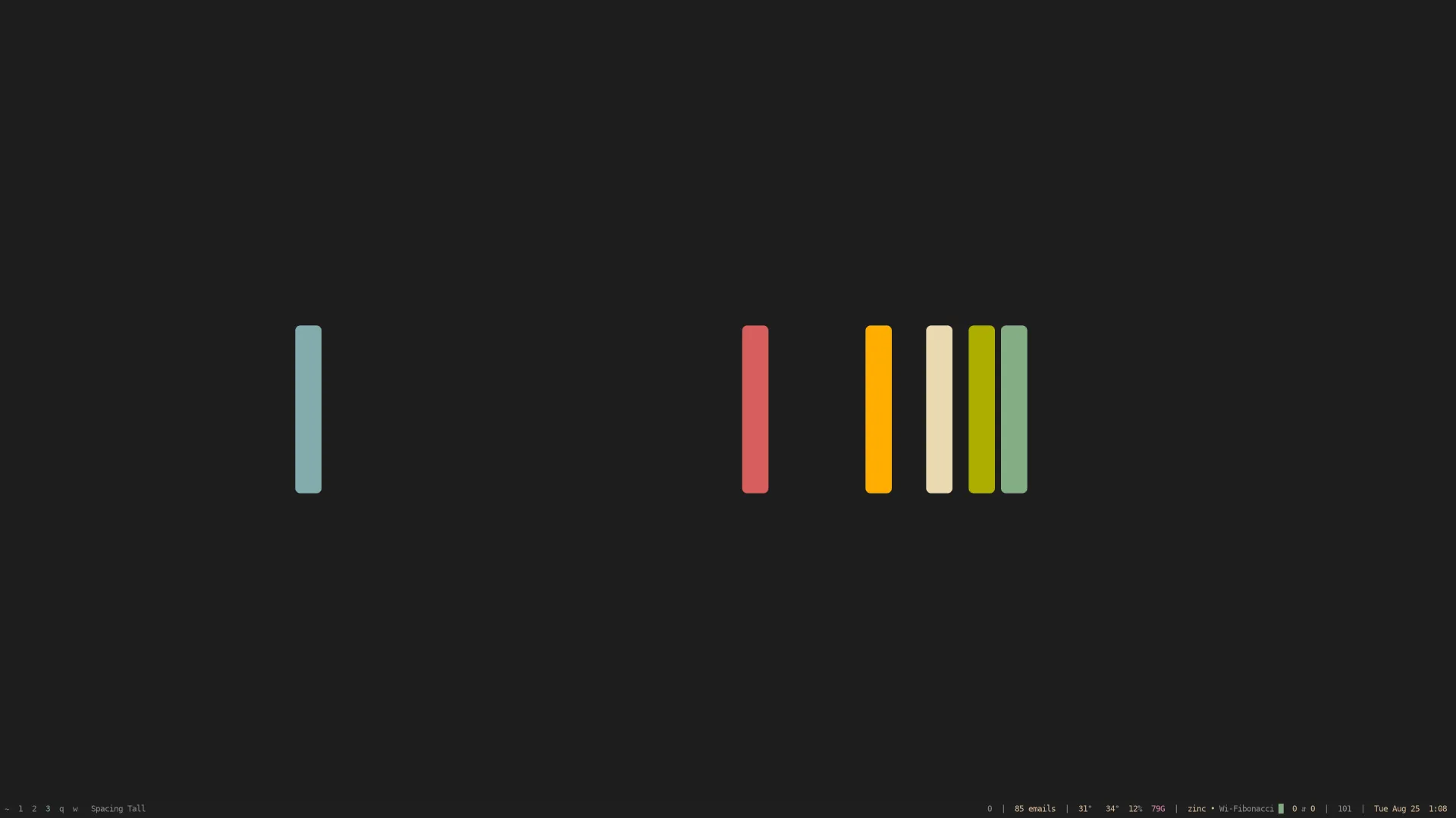
Multiple workspaces
With Xmonad, you get a real “mod” key and anything can be a workspace.
myWorkspaces = [
  " ~", " 1", " 2", " 3", " 4", " 5", " 6", " 7", " 8", " 9", " 0"
  , " q", " w", " e", " a", " s"
  , " ⇥", " ⇧"
  ]
For example, w is for social interactions (weechat, signal, mutt, etc), q is for web browsing, 1 is for my main thing, 2 is for my other thing, ~ is my dotfiles or meta work, etc.